
iPhone vs Android: which should you buy?
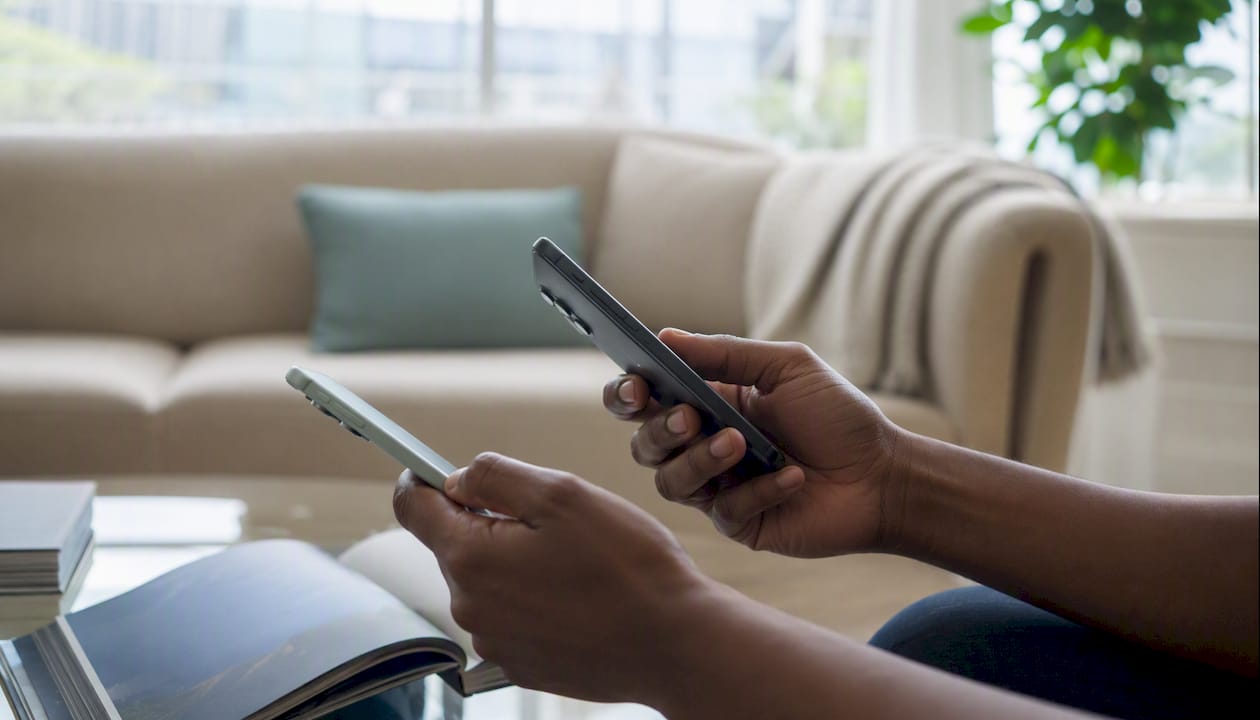
For most buyers, an iPhone is the safer long-term bet — consistent updates, stronger resale value, and an ecosystem that just works out of the box. If you want more hardware choice, a lower entry price, or the broadest AI feature set right now, Android is the better fit. Android holds roughly 72% of global smartphone market share versus iOS at 28%, which tells you something about how many people have already voted with their wallets. Kenyatronics stocks both platforms, from budget Android handsets to the iPhone 17 and Samsung Galaxy Fold 8, so whichever direction you lean, the hardware is available.
- Choose iPhone if you prioritise software longevity, resale value, and a tightly integrated ecosystem.
- Choose Android if you want more spending flexibility, deeper customisation, or access to the widest AI feature set in 2026.
- Exception: power users who want foldables, Samsung DeX, or maximum AI experimentation will find Android's variety hard to match; conversely, anyone already deep in the Apple ecosystem (Mac, iPad, Apple Watch) will feel the pull of iOS continuity strongly.
Key takeaways
iPhone suits most buyers who value longevity, resale value, and a consistent ecosystem; Android is the better fit for value-conscious buyers, customisers, and anyone who wants the broadest AI feature set in 2026.
| Point | Details |
|---|---|
| Platform verdict | iPhone for longevity and ecosystem; Android for value, flexibility, and AI breadth. |
| AI in 2026 | Android leads on generative AI feature count; Apple's private-cloud approach prioritises privacy. |
| Update longevity | Apple updates all supported devices simultaneously for 6+ years; Samsung matches this on flagship lines. |
| Resale value | iPhones retain value better after 2–3 years, which can offset the higher upfront price. |
| Kenyatronics | Stocks iPhone 17, Samsung Galaxy Fold 8, and budget Android options with warranty and after-sales support. |
Table of Contents
- iPhone vs Android: how the two platforms compare at a glance
- Core design philosophies: curated iOS versus open Android
- AI and smart features: where the two platforms stand in 2026
- Hardware and price tiers: what each platform offers in 2026
- Camera differences and what actually matters for photos and video
- Battery life and charging speeds: what to realistically expect
- Software updates and device longevity
- Privacy and security: defaults, controls, and trade-offs
- Apps, ecosystem, and the real cost of switching
- Switching platforms: what transfers and what does not
- Who should choose which platform?
- Practical buying advice from Kenyatronics
- User interface and ease of use
- Customisation beyond the basics: launchers, widgets, and system tweaks
- Gaming on iPhone versus Android
- Resale value and device longevity
- Accessibility features on iPhone and Android
- An honest perspective on how to approach this choice
- What the spec sheet cannot tell you
- Ready to buy? Kenyatronics has both platforms in stock
- Sources
iPhone vs Android: how the two platforms compare at a glance
iOS and Android diverge on almost every dimension that matters to a buyer, from how long they promise updates to how much you can tweak the home screen. The table below maps the most decision-relevant differences.| Dimension | iPhone (iOS) | Android |
|---|---|---|
| Best for | Ecosystem users, longevity seekers, resale-conscious buyers | Value hunters, customisers, AI early adopters |
| Price tiers | Mid to flagship; no true budget tier | Budget to ultra-premium (£150–£1,800+) |
| Customisation | Limited; widgets, Focus modes, some home-screen layout | Deep; launchers, widgets, system-level tweaks |
| AI & smart features | Apple Intelligence; private-cloud approach; catching up fast | Google Gemini, Galaxy AI; broadest feature set in 2026 |
| Cameras | Polished tuning, strong video, consistent colour science | Wide hardware variety; zoom and sensor specs vary by model |
| Battery & charging | Efficient; around 25W wired; MagSafe wireless | Larger raw capacity; 45W–120W wired on flagships |
| Software updates | 5–7 years, simultaneous across all supported devices | Up to 7 years promised by Samsung/Google; rollout is fragmented |
| Ecosystem & cross-device | AirDrop, Handoff, Continuity Camera, iMessage, Apple Watch | Quick Share, DeX, Google Cast, cross-platform messaging |
| Privacy & security | Privacy-by-default; App Tracking Transparency; Advanced Data Protection | Improved controls; more user configuration required |
Flagship reference points: iPhone 17 and Samsung Galaxy S26 sit at similar price points but differ on camera approach, chassis thickness, and charging speed.
Core design philosophies: curated iOS versus open Android
iOS is a curated appliance; Android is an open tool. That one sentence explains most of the trade-offs you will encounter downstream.
Apple controls the hardware, the operating system, and the App Store. That vertical integration means every iPhone gets the same software update on the same day, apps are optimised against a known set of chips and screen sizes, and the experience feels consistent whether you pick up a base model or a Pro Max. The downside is that Apple decides what you can and cannot do with the device.
Android's open model hands that control to manufacturers and, to a degree, users. The result is extraordinary hardware variety — from a £150 entry handset to a £1,800 foldable — and the freedom to replace default apps, install launchers, and configure the system in ways iOS simply does not permit. The cost is fragmentation: Android offers greater customisation and hardware variety while iOS provides a more consistent, curated experience, and that consistency gap shows up most clearly in update timing and app optimisation.
Practical consequences for buyers:
- Setup time: Android takes longer to configure to your taste; iOS is ready to use within minutes of unboxing.
- Learning curve: iOS is gentler for first-time smartphone users; Android rewards patience and curiosity.
- Feature types: Android unlocks system-level features (custom keyboards, sideloading, file management) that iOS restricts.
- Ecosystem lock-in: Both platforms create switching friction over time, but Apple's services (iMessage, iCloud, AirDrop) are more tightly woven into daily habits.
Pro Tip: If you genuinely want both worlds, pick a Samsung or Google Pixel device with a seven-year update promise and install cross-platform services (WhatsApp, Google Photos, Spotify) from day one. You get Android's flexibility without sacrificing long-term support.
AI and smart features: where the two platforms stand
Android leads on AI feature breadth in 2026; Apple is closing the gap faster than most expected.
Android currently leads in practical AI feature breadth, with Google and Samsung deploying generative editing and multi-modal tools earlier, while Apple focuses on privacy-aware, integrated AI. Galaxy AI on the Samsung Galaxy S26 handles live transcription, generative photo editing (object removal, background extension), and automated note summarisation natively. Google Gemini, baked into Pixel devices and available across Android, adds multi-modal search, real-time translation, and contextual app actions that feel genuinely useful rather than gimmicky.
Apple Intelligence, introduced across the iPhone 16 and 17 lines, takes a different approach. Processing happens on-device or through Private Cloud Compute, meaning your data does not train Apple's models. Writing tools, photo clean-up, and notification summarisation work well, but the feature set is narrower than what Galaxy AI or Gemini offer today. For a student who wants AI to draft messages and summarise lecture notes, Android's tools are currently more capable. For someone who handles sensitive work and wants assurance that their prompts stay private, Apple's architecture is genuinely harder to beat.
The fragmentation caveat matters here. Galaxy AI features on a Samsung flagship may not appear on a budget Samsung device, and third-party Android manufacturers implement Gemini differently. Apple's AI features, by contrast, roll out uniformly to supported hardware.
Pro Tip: Before buying, ask a sales assistant to demonstrate one specific AI task you actually use: photo object removal, live call transcription, or email summarisation. If the demo feels slow or the feature is not yet available on that model, that tells you more than any spec sheet.
Hardware and price tiers: what each platform offers
Android offers the widest price range and the most hardware variety; iPhone concentrates its lineup in the mid-to-flagship band with stronger resale value at every tier.
On Android, you can spend as little as £150 on a capable daily driver like the Samsung Galaxy A17, step up to a £400–£600 midrange device with a solid camera and 5G, or push to a £1,200+ flagship like the Galaxy S26 or a foldable like the Samsung Galaxy Fold 8. The foldable category is Android-exclusive for now, which matters if a large-screen productivity device appeals to you.
Apple's cheapest current option sits around the £499 mark. The iPhone 17 starts above that, and the Pro models push past £1,100. You pay more upfront, but used iPhones hold value materially better than most Android flagships after two to three years, which changes the maths on total cost of ownership.
At similar midrange prices, Android typically offers a larger battery, a higher-refresh-rate display, and more RAM on paper. iPhone at the same price point usually wins on sustained performance, camera consistency, and guaranteed update years. Neither is a clear winner; it depends on which trade-off you can live with.
Value checks to run before buying:
- Confirm the exact number of guaranteed OS update years (not just security patches).
- Check battery capacity in mAh and whether the charger is included in the box.
- Verify the charging standard (USB-C, wattage) and whether your existing cables are compatible.
- Ask whether the device is an official import or a grey-market unit, as warranty coverage differs.
Camera differences and what actually matters for photos and video
Modern flagships on both platforms take excellent photos. The differences are in zoom hardware, processing style, and how each handles edge cases like low light and skin tones.
Raw specifications — megapixels, sensor size — do not reliably predict real-world photo quality; software optimisation is often the deciding factor. Apple's camera tuning on the iPhone 17 produces natural colours and consistent dynamic range across lighting conditions. Samsung's processing on the Galaxy S26 tends toward more vivid, punchy output, which many people prefer on a phone screen but which can look over-sharpened when printed large.The iPhone 17 offers a more polished camera tuning overall, while the Galaxy S26 includes a dedicated 3x telephoto lens that gives it a genuine optical zoom advantage at that focal length. For video, Apple's Cinematic mode and Log format recording give it an edge for anyone who edits footage seriously. Samsung's video output is excellent but processed differently, with more aggressive noise reduction in low light.
What to look for in sample galleries and hands-on reviews:
- Shadow detail: does the phone recover texture in dark areas, or does it crush blacks?
- Skin tones: natural and consistent across different lighting, or shifted toward warm/cool?
- Night mode: how much noise appears in a handheld night shot at 1/4 second?
- Ultrawide distortion: do straight lines bow at the edges?
Pro Tip: In a shop, shoot the same scene on both phones: an ultrawide of a room, a portrait of a person near a window, a 3–4x zoom of something 10 metres away, and a dark corner without flash. Compare the results side by side before you decide.
Battery life and charging speeds: what to realistically expect
Battery life varies more by how you use a phone than by which platform it runs. That said, Android flagships typically ship with larger raw capacity while Apple optimises hardware and software together for consistent endurance.
A flagship Android device in 2026 commonly carries a 4,800–5,000 mAh battery; midrange Android phones often push to 5,000–6,500 mAh. The iPhone 17's 3,692 mAh cell sounds smaller, but Apple's chip efficiency means real-world screen-on time is competitive with many larger-battery Android phones. Where Android clearly leads is charging speed: flagship Samsung devices support 45W wired charging, some Chinese-market Android phones reach 120W, and the Galaxy S26 charges from flat to full in under an hour. Apple's iPhone 17 supports faster wired charging than its predecessors but still trails the top Android speeds.
Wireless charging is a different story. MagSafe on iPhone delivers a reliable magnetic alignment and up to 25W with a MagSafe charger. Android's Qi2 standard is catching up, and Samsung's own magnetic wireless charging works well within its ecosystem.
Quick tactics to extend battery life:
- Enable adaptive brightness and let the phone manage refresh rate automatically.
- Turn off always-on display if your usage is light.
- Use Wi-Fi instead of mobile data where possible; 5G drains faster than 4G on most devices.
- Charge to 80% regularly rather than 100% if the phone offers a charge-limit setting.
Pro Tip: When buying, check whether a charger is included in the box — many flagships no longer include one. Budget an extra £20–£40 for a compatible fast charger and a USB-C cable rated for the phone's maximum wattage.
Software updates and device longevity
Apple's update cadence is uniform and immediate across all supported devices. Android vendors have improved significantly, with Samsung and Google now promising up to seven years of OS and security updates, but the rollout timing remains fragmented across brands and device tiers.
Android makers like Samsung and Google offer multi-year upgrade promises, but the schedule is more fragmented compared with Apple's simultaneous rollouts. A new iOS version lands on every supported iPhone on the same day. An equivalent Android update may reach a Samsung flagship weeks after announcement, a midrange Samsung device months later, and a budget device from a smaller brand not at all.What this means in practice: if you plan to keep a phone for four or five years, Apple's track record of supporting devices for six or more years is hard to argue with. Samsung's seven-year promise on Galaxy S and Z series devices is now genuinely competitive, but verify it applies to the specific model you are buying, not just the flagship line.
Checklist before buying on update longevity:
- Ask for the manufacturer's written update commitment (years of OS updates, years of security patches).
- Check whether that commitment applies in your region — some promises are market-specific.
- Confirm the device's launch date; a phone released 18 months ago has already used some of its update window.
- Factor update longevity into trade-in timing: a phone still receiving updates commands a higher resale price.
Privacy and security: defaults, controls, and trade-offs
Apple leads on privacy-by-default; Android has improved but places more responsibility on the user to configure protections correctly.
Apple's App Tracking Transparency and Advanced Data Protection remain industry-leading defaults; Android has improved privacy controls but requires more user attention to reach comparable guarantees. On an iPhone, tracking is opt-in: apps must ask permission before following you across the web, and iCloud data can be end-to-end encrypted under Advanced Data Protection. On Android, the controls exist but are spread across settings menus, and their effectiveness depends on which vendor's software you are running.Platform privacy trade-offs at a glance:
- App-store vetting: Apple's App Store review process is stricter; Google Play has improved but historically allowed more borderline apps through.
- Tracking controls: iOS App Tracking Transparency is on by default; Android's equivalent requires manual configuration.
- Data handling: Apple processes AI tasks on-device or via Private Cloud Compute; many Android AI features send data to cloud servers.
- Sideloading: Android permits installing apps from outside the Play Store, which increases flexibility but also attack surface.
- Vendor security layers: Samsung Knox provides hardware-backed security on Galaxy devices; Google's Titan M2 chip does the same on Pixel.
Pro Tip: On any Android device, spend ten minutes in Settings > Privacy immediately after setup: review which apps have location access, disable ad personalisation, and check whether your vendor's cloud backup is end-to-end encrypted. On iPhone, enable Advanced Data Protection in iCloud settings — it is off by default.
Apps, ecosystem, and the real cost of switching
Both the App Store and Google Play host virtually every major app. The practical differences are in update timing, system-level permissions, and the cross-device workflows that make daily life easier or harder.
iOS typically receives major app updates earlier than Android, particularly for creative and productivity tools. Android permits niche system-level apps — file managers with root access, custom keyboards with clipboard history, automation tools like Tasker — that Apple simply does not allow. For most people, neither difference is decisive. Where the gap becomes real is in cross-device workflows.
Cross-device features worth checking before you commit:
- Messaging continuity: iMessage and FaceTime work only within Apple devices; Android relies on Google Messages (RCS) and third-party apps like WhatsApp.
- File sharing: AirDrop is fast and frictionless between Apple devices; Android's Quick Share is the equivalent and works well within Android but not across platforms.
- Watch pairing: Apple Watch pairs only with iPhone; most Android smartwatches pair only with Android.
- Cloud storage: iCloud is tightly integrated into iOS; Google Drive and OneDrive work across both platforms.
- Desktop integration: Apple's Continuity Camera and Handoff link iPhone to Mac seamlessly; Samsung DeX turns a Galaxy phone into a desktop environment when connected to a monitor.
| Workflow | iPhone (iOS) | Android |
|---|---|---|
| Wireless file transfer | AirDrop (Apple-only) | Quick Share (Android-to-Android) |
| Desktop continuity | Handoff, Continuity Camera (Mac) | Samsung DeX (monitor required) |
| Smartwatch pairing | Apple Watch only | Wear OS, Galaxy Watch, others |
| Cloud backup | iCloud (tight integration) | Google One, Samsung Cloud, others |
| Cross-platform messaging | WhatsApp, Signal (iMessage is Apple-only) | Google Messages (RCS), WhatsApp, Signal |
A creative who edits photos on a Mac and shoots on an iPhone will find Continuity Camera and AirDrop genuinely save time. A power user who wants to run a full desktop session from their phone, or who uses a Windows PC, will find Android's flexibility more useful.
Switching platforms: what transfers and what does not
Switching is straightforward for contacts, photos, and most apps. Certain data — iMessage history, Apple Health records, some wallet passes — needs special handling and will not move automatically.
Moving from iPhone to Android:
- Back up your iPhone fully to iCloud or a Mac.
- Deregister your number from iMessage (Settings > Messages > Send & Receive, then sign out of Apple ID on the device) — skip this step and texts from other iPhone users may vanish into iMessage rather than reaching your new Android number.
- Export Apple Health data manually (the XML export in the Health app); no Android app imports it natively.
- Download Samsung Smart Switch or Google's data transfer tool and follow the on-screen steps for contacts, photos, and calendar.
- Re-purchase any paid apps that are not cross-platform — most subscriptions transfer, but one-off paid apps do not.
Moving from Android to iPhone:
- Install the Move to iOS app on your Android device before factory-resetting it.
- Transfer contacts, photos, messages, and some app data over a direct Wi-Fi connection.
- Check Google Authenticator or any 2FA app — transfer codes manually before wiping the old device.
- Wallet passes (transit cards, loyalty cards) generally do not transfer and must be re-added in Apple Wallet.
Cost checklist when switching:
- Accessory compatibility: USB-C cables work across both platforms now, but MagSafe cases and Apple Watch bands are Apple-only.
- Paid app repurchases: check your purchase history on both stores before committing.
- Trade-in value: factor in what your current device is worth — iPhones typically return more at trade-in.
Who should choose which platform?
The right phone is the one that matches how you actually use it, not the one with the longest spec sheet.
- Ecosystem minimalists who already own a Mac, iPad, or Apple Watch: iPhone. The continuity features alone justify the choice.
- Value hunters who want the most hardware for their budget: Android. A £300 Android midrange outspecifies any iPhone at that price.
- Photographers and videographers who shoot professionally or edit seriously: iPhone 17 or iPhone 17 Pro. Apple's video formats and colour science are the current standard for mobile filmmaking.
- AI early adopters who want the broadest generative feature set today: Android (Galaxy S26 or Pixel). Galaxy AI and Gemini are ahead on feature count right now.
- Business and enterprise users on a managed device programme: iPhone, unless IT specifically supports Android; iOS MDM integration is more mature.
- Power customisers who want launchers, automation, and system-level control: Android, without question.
- Long-term keepers who hold phones for four or more years: iPhone for update certainty; Samsung Galaxy S or Z series if you want Android with a comparable promise.
| Profile | Best platform | One-sentence reason |
|---|---|---|
| Apple ecosystem user | iPhone | Continuity, AirDrop, and Apple Watch integration are seamless |
| Budget-conscious buyer | Android | More hardware choice below £400 than iPhone offers |
| Mobile filmmaker | iPhone | Log video, Cinematic mode, and colour science lead the category |
| AI power user | Android | Galaxy AI and Gemini offer the widest generative feature set in 2026 |
| Privacy-first user | iPhone | Privacy-by-default settings require less manual configuration |
| Foldable enthusiast | Android | Foldables remain an Android-exclusive category |
Practical buying advice from Kenyatronics
Kenyatronics stocks both iPhone and Android flagships, including the iPhone 17, iPhone 17 Pro, Samsung Galaxy Fold 8, and the Samsung Galaxy Z Fold7, alongside budget Android options. Before completing a purchase, run through this checklist:
- Warranty length: confirm whether the warranty is the manufacturer's official warranty or a retailer-only guarantee, and check what it covers (screen, battery, water damage).
- Return period: know the return window before you leave the shop or confirm delivery.
- Included accessories: charger, cable, and case are not always in the box — check the product listing.
- Official vs grey import: grey-market devices may be cheaper but can lack local warranty support and may ship with a different regional software variant.
- After-sales support: Kenyatronics provides support for the devices it sells; confirm the support channel (in-store, phone, online) before buying.
On any Kenyatronics product page, look for the specifications panel: it lists the guaranteed update years where the manufacturer publishes them, the battery capacity, the charging standard, and whether a charger is included. For the iPhone 17, the 3,692 mAh battery and 48 MP main camera are listed alongside the 6.3-inch display — useful for direct comparison against Android alternatives at a similar price.
Pro Tip: If you are buying a flagship for the first time, ask Kenyatronics support to confirm whether the device is the regional variant with local warranty coverage. A £50 saving on a grey-import unit can cost significantly more if a repair falls outside warranty.
User interface and ease of use
iOS and Android have converged considerably in the past three years, but the feel of each remains distinct in ways that matter to daily use.
iOS is built around simplicity and predictability. Navigation uses a consistent back-gesture and a single home button or swipe mechanic across every app. New users pick it up in minutes; experienced users rarely need to think about where a setting lives. The trade-off is that Apple's decisions about layout are final — you cannot move the dock, change the default browser engine at a system level, or alter the notification shade behaviour significantly.
Android's interface varies by manufacturer. Samsung's One UI, Google's stock Android on Pixel, and other skins each feel different. Stock Android is clean and fast; One UI adds more features but also more menus. The upside is genuine flexibility: you can place icons anywhere, resize widgets freely, and set a third-party app as the default for almost any function. The downside is that the experience is less predictable when you pick up a different Android device.
For someone switching from a feature phone or using a smartphone for the first time, iOS's consistency is a real advantage. For someone who has used Android for years and knows where everything lives, the flexibility is worth more than the consistency.
Customisation beyond the basics: launchers, widgets, and system tweaks
Android's customisation depth goes well beyond rearranging icons. Launchers like Nova Launcher or Niagara Launcher replace the entire home-screen experience, changing icon grids, gesture controls, and animation styles. Widgets on Android are resizable and can pull live data from third-party apps — a weather widget, a calendar block, a music player — arranged freely across the screen rather than snapped to a fixed grid.
iOS has added widgets and a customisable home screen in recent years, and the improvements are genuine. You can now place widgets between app icons, use the StandBy mode for bedside display, and set different home-screen layouts per Focus mode. What you cannot do is replace the system launcher, install a third-party keyboard that accesses the clipboard persistently, or run automation scripts at the system level without Apple's permission.
For most people, iOS's current customisation options are enough. For anyone who has spent time with a heavily configured Android setup, the ceiling feels noticeably lower. The practical question is whether you will actually use the extra depth Android offers, or whether it will sit unused while you spend time configuring things that iOS handles automatically.
Gaming on iPhone versus Android
Both platforms run the major mobile titles — PUBG Mobile, Call of Duty Mobile, Genshin Impact, and the rest — without meaningful difference in game availability. Where they diverge is in performance consistency, controller support, and the premium gaming tier.
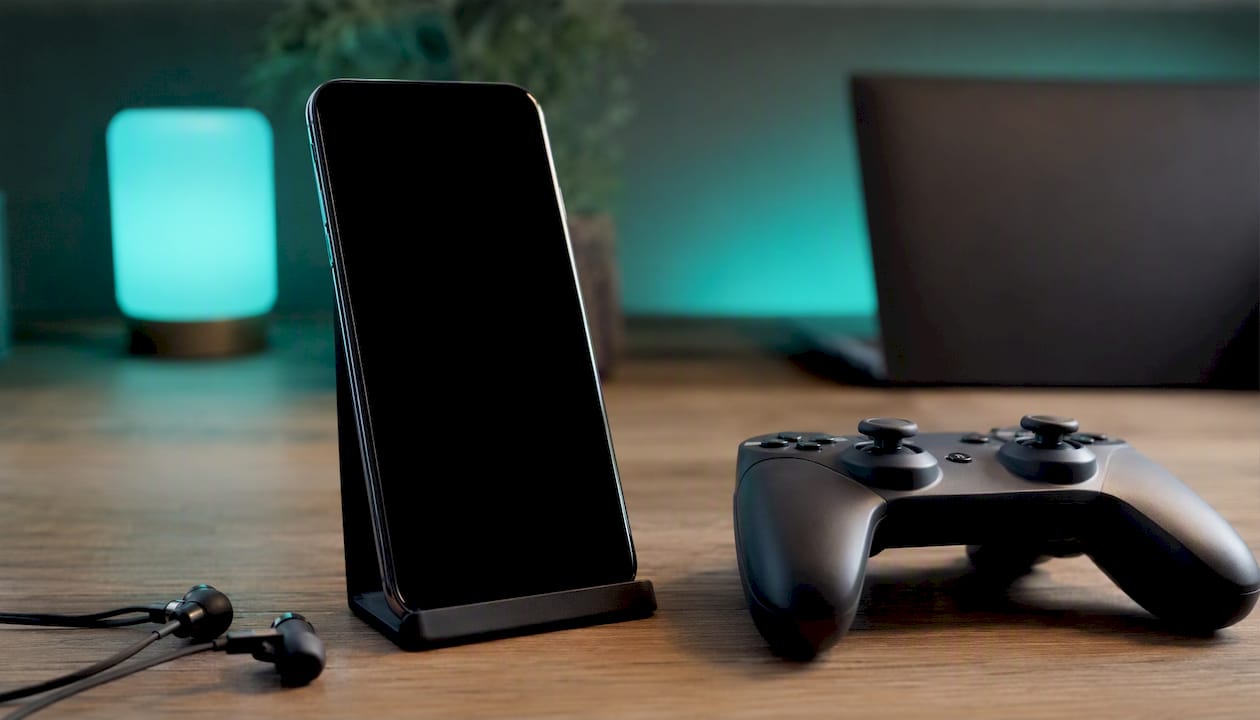
Apple's A-series chips consistently top mobile GPU benchmarks, and the iPhone 17's thermal management keeps sustained performance high during long sessions. Apple Arcade offers a curated library of premium games with no ads and no in-app purchases, which is a genuinely different proposition from the ad-supported free-to-play norm. For competitive mobile gaming, the iPhone's frame-rate consistency under load is a real advantage.
Android's gaming strength is variety and hardware flexibility. Some Android flagships ship with dedicated gaming modes, pressure-sensitive shoulder triggers (on gaming-focused devices), and higher peak refresh rates. The Samsung Galaxy Fold 8 offers a foldable screen that changes how strategy and simulation games feel entirely. Google Play also hosts a wider range of emulators and sideloaded games that Apple's App Store does not permit.
For casual gamers, the platform choice is irrelevant. For competitive players who care about frame-rate consistency, iPhone has the edge. For players who want hardware flexibility or emulation, Android wins.
Resale value and device longevity
iPhones hold their value better than most Android devices, and that gap is wide enough to affect the total cost of owning a phone over two or three years.
Used iPhones retain a materially higher proportion of their original value after two to three years compared with most Android flagships. A two-year-old iPhone 15 Pro still commands a strong second-hand price; a two-year-old Android flagship from most manufacturers depreciates faster, with Samsung Galaxy S series devices being the strongest Android exception. If you trade in or sell your phone every two years, the iPhone's resale premium can offset a significant portion of its higher upfront cost.
Device longevity is a related but separate question. Apple supports iPhones for six or more years with full OS updates. Samsung now promises seven years on its Galaxy S and Z series. A phone that receives updates for seven years is a phone you can keep for seven years without security risk — which changes the maths on what "expensive" actually means at the point of purchase.
The practical implication: if you buy a £1,100 iPhone 17 and sell it for £600 after two years, your net cost is £500. If you buy a £900 Android flagship and sell it for £350 after two years, your net cost is £550. The headline price is not the whole story.
Accessibility features on iPhone and Android
Both platforms have invested heavily in accessibility, and both are genuinely capable for users with visual, motor, or hearing needs. The differences are in defaults, depth, and how quickly new features reach all devices.
Apple's accessibility suite is among the most comprehensive in consumer technology. VoiceOver (screen reader), Switch Control, AssistiveTouch, Sound Recognition, and Live Captions are all built into iOS and updated annually. Eye Tracking, added in recent iOS versions, lets users control an iPhone entirely with their eyes using the front camera — no additional hardware required. These features are available on every supported iPhone simultaneously, the day a new iOS version ships.
Android's TalkBack screen reader, Select to Speak, and Live Transcribe are strong equivalents, and Google has added Lookout (an AI-powered scene description tool) and Sound Amplifier for hearing support. The gap is in consistency: accessibility features on a Samsung device may differ from those on a Pixel, and budget Android devices sometimes ship with stripped-back accessibility options.
For users who rely on accessibility features as a primary need rather than an occasional convenience, iPhone's consistency and depth make it the lower-risk choice. Android's tools are capable, but verifying that a specific feature works as expected on a specific device requires more research before purchase.
An honest perspective on how to approach this choice
What the spec sheet cannot tell you
The iPhone vs Android debate has been running for fifteen years, and the honest answer has not changed much: both platforms are excellent, and the wrong choice is almost always the one made on specs alone.
What I find most buyers underestimate is switching cost — not the technical friction of moving data, but the psychological cost of rebuilding habits. If you have used iMessage for five years and your family is on it, switching to Android means convincing everyone to move to WhatsApp or accepting that your messages arrive as green bubbles. That is a social problem, not a technical one, and no spec comparison resolves it.
The AI angle in 2026 is real but easy to overweight. Galaxy AI and Gemini are genuinely ahead on feature count today. Apple Intelligence is catching up, and Apple's private-cloud architecture means it will likely close the gap without the privacy trade-offs that cloud-heavy AI processing carries. Buying a phone purely because one platform has a better AI photo editor today is a short-term decision on a device you will own for three to five years.
My practical advice: identify the two or three things you do on your phone every single day, find out which platform does those things better, and buy that one. Everything else is noise.
Ready to buy? Kenyatronics has both platforms in stock
Choosing between iPhone and Android is easier when you can compare the actual hardware side by side. Kenyatronics stocks the full range, from the iPhone 17 with its 48 MP camera and Apple Intelligence features to the Samsung Galaxy Fold 8 with its 7.6-inch foldable AMOLED display and 45W fast charging. Every device comes with warranty coverage and after-sales support, so you are not buying blind.
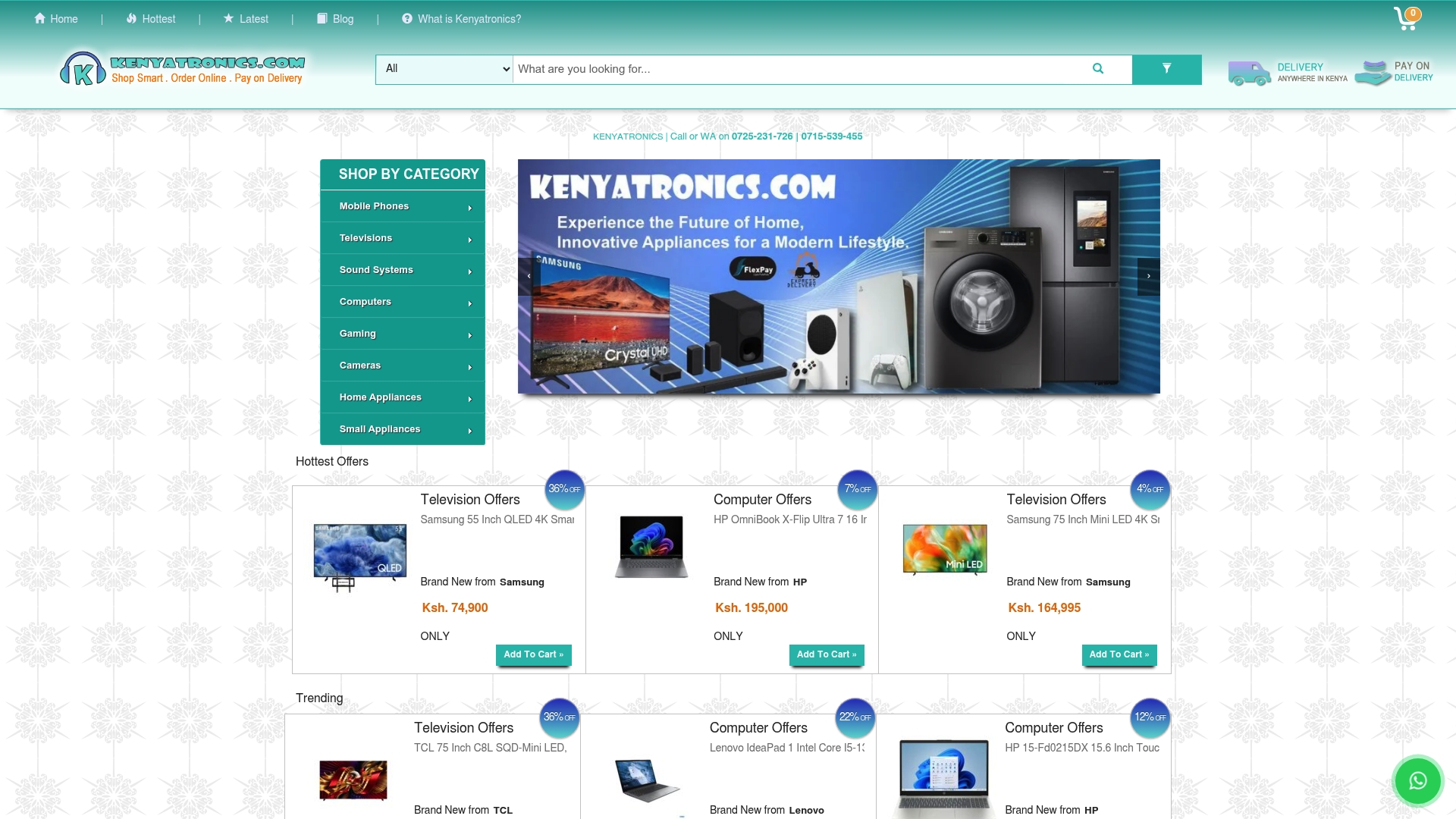
Browse the full smartphone range on Kenyatronics, check the specifications panel on any product page for update commitments and charging specs, and contact support if you want a direct comparison before committing. Both platforms are in stock; the decision is yours to make on your terms.
Sources
The sources below were used to build this comparison and are worth reading if you want to go deeper on a specific dimension.
- Android vs iOS: Which is better for you in 2026? - Trusted Reviews
- The great Android vs. iPhone debate is way different from what it was over a decade ago — here’s why | Tom's Guide
- Android vs iOS — which OS dominates in the 2026 smartphone war? – PCMag UK
- iPhone vs Samsung comparison — Android Authority
Recommended
- Apple iPhone 17 Pro 256GB Price in Kenya 2026 | Kenyatronics
- Samsung Galaxy Fold 8 512GB - 7.6 Inch Foldable | Kenyatronics
- Samsung Galaxy A06 Price in Kenya – Buy Now at Kenyatronics | Kenyatronics

Comments
Comments are open to signed-in accounts. Message us on WhatsApp if you have something to say about this one.