Pay on delivery, countrywide Genuine stock, warranty backed
0725-231-726 | 0793-884-867
  1. Home
  2. Computers
  3. Printers
  4. HP DeskJet 2130 All In One Printer (K7N77C) - Wh...
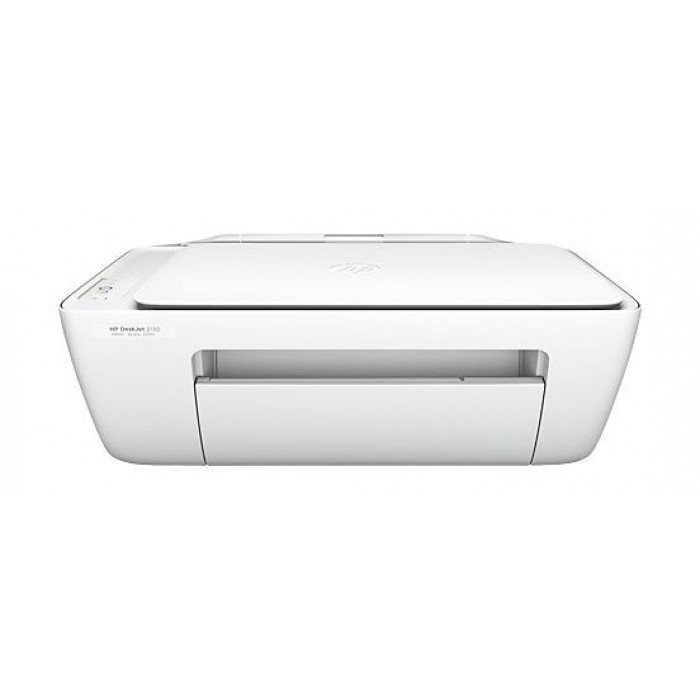
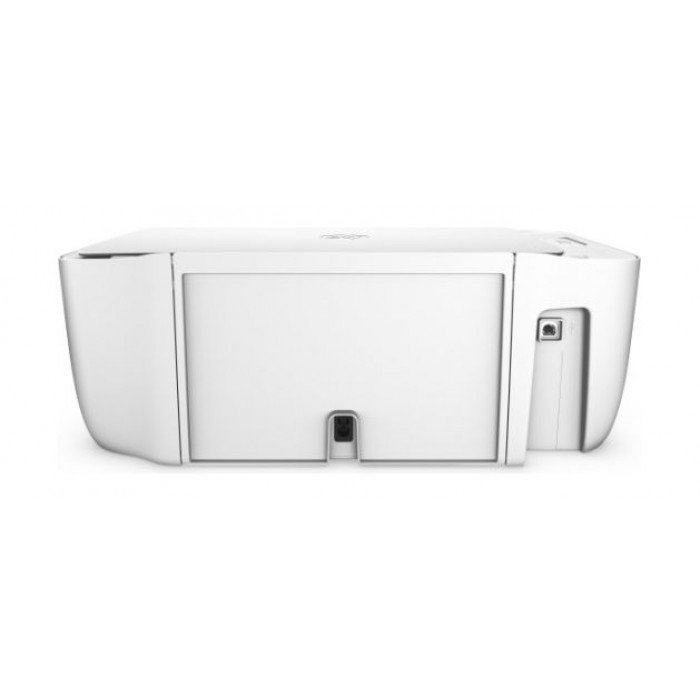
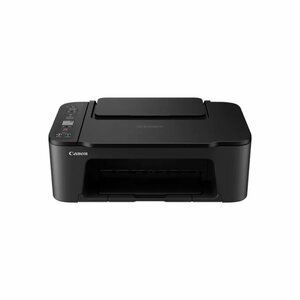
HP DeskJet 2130 All In One Printer (K7N77C) - White by HP
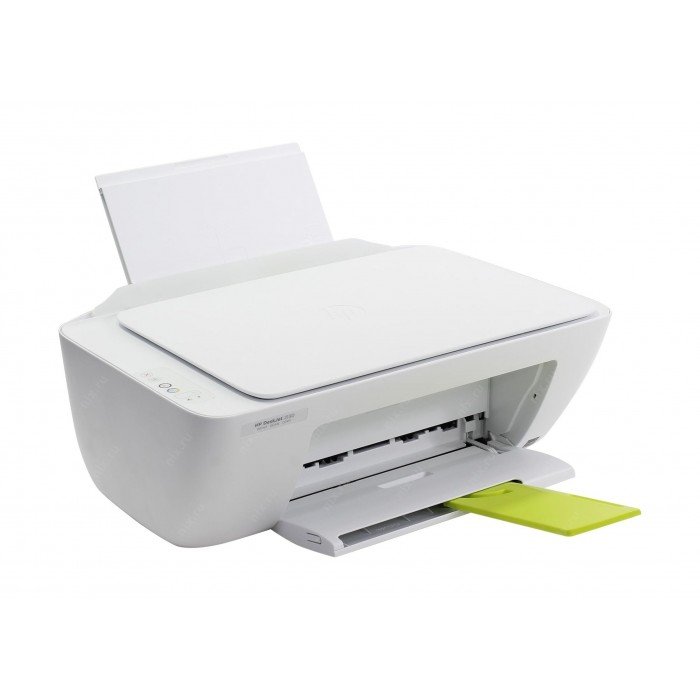
HP DeskJet 2130 All In One Printer (K7N77C) - White by HP — view 2
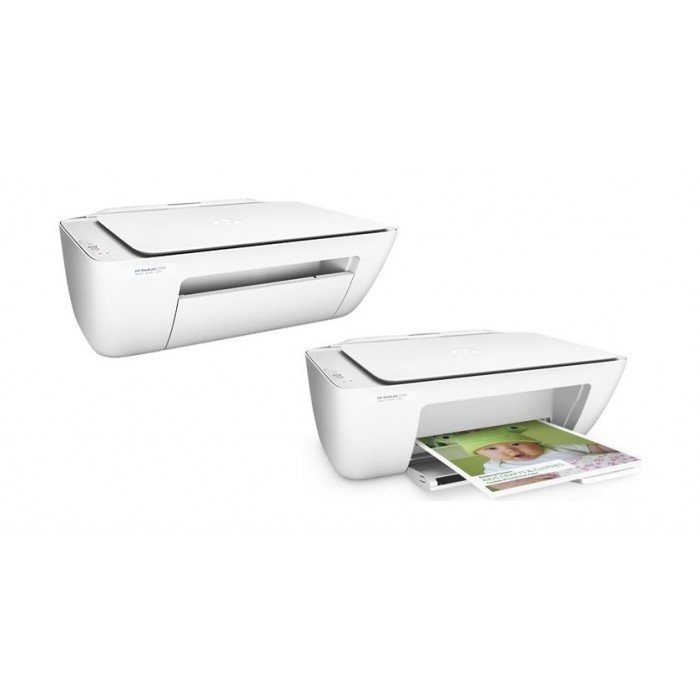
HP DeskJet 2130 All In One Printer (K7N77C) - White by HP — view 3
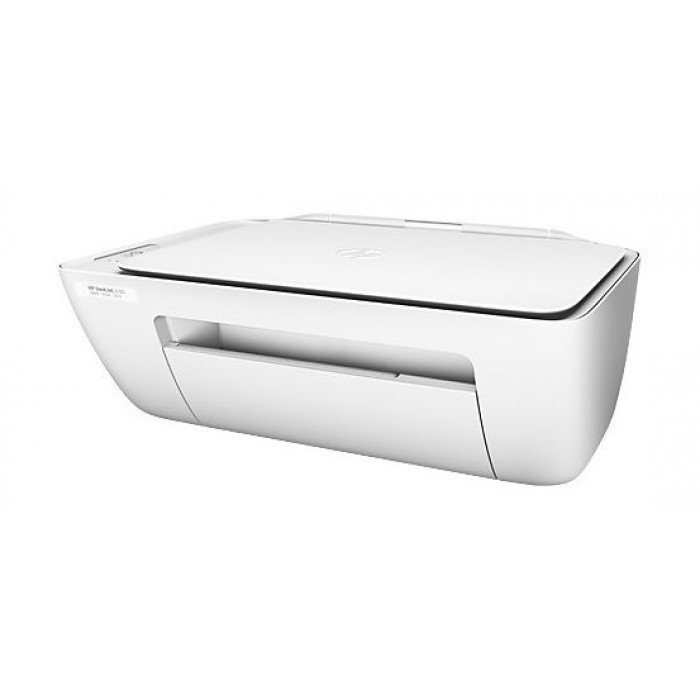
HP DeskJet 2130 All In One Printer (K7N77C) - White by HP — view 4
HP DeskJet 2130 All In One Printer (K7N77C) - White by HP — view 5
-38%

HP More from HP

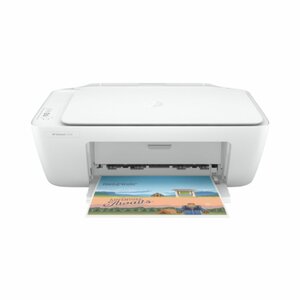
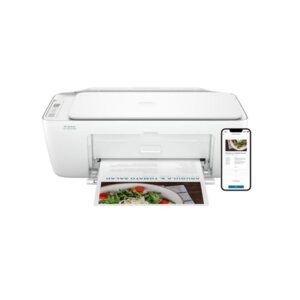
HP DeskJet 2130 All In One Printer (K7N77C) - White

Ksh 7,500

Ksh 12,000 You save Ksh 4,500

  • New
  • In stock
  • On offer
Compare Deskjet 2130 against another product

Kifaru Pay

Pay for this in instalments from Ksh 500. You get 90 days at 0% interest, and collect once the plan is paid off.

  • Delivery in 1–24 hours. Pay on delivery, countrywide.
  • M-PESA, card, cash or Pesalink — online or on the doorstep.
  • 1–2 year warranty, depending on the product.
  • 7-day returns. How returns work
  • 0725-231-726 | 0793-884-867 — REHEMA HSE, 5TH FLOOR 01, STANDARD STREET, NAIROBI, behind Sarova Stanley.

About this printer

HP Deskjet 2130 All-in-One Printer - Print, Scan, Copy

The HP Deskjet 2130 All-in-One printer is a compact and essential tool for home and small office printing needs in Kenya. This reliable inkjet device combines printing, scanning, and copying functions into one simple machine. 

With its straightforward USB connectivity, it offers a practical and affordable solution for printing documents, school assignments, and family photos without the complexity of wireless setups.

Key Features of the HP Deskjet 2130 All-in-One Printer


- Brand: HP

- Model: Deskjet 2130 series (e.g., K7V40A)

- Printer Type: Inkjet

- Functionality: All-in-One (Print, Scan, Copy)

- Print Speed: Up to 7.5 ppm (black), Up to 5.5 ppm (color)

- Ink System: HP 123 Cartridges (Black, Cyan, Magenta, Yellow)

- Paper Size Compatibility: A4

- Connectivity: Hi-Speed USB 2.0

- Paper Handling: 60-sheet input tray

Benefits of the HP Deskjet 2130


- Print, scan, and copy all your essential documents from a single, space-saving device.

- Get started quickly with simple USB connectivity, plugging directly into your computer.

- Produce vibrant color documents and photos using genuine HP 123 ink cartridges.

- Enjoy a compact design that fits easily on a desk or shelf in a home or small office.

What comes in the Box


- HP Deskjet 2130 Printer

- Setup guide and documentation

- Power cable

- USB cable (may not be included, must be confirmed upon purchase)

HP DeskJet 2130 All In One Printer (K7N77C) - White price in Kenya is Ksh 7,500.

Deskjet 2130 specifications

Color Vs Monochrome
Color
Colors
White
Compatible OS
Windows, macOS
Connectivity
Hi-Speed USB 2.0
Functionality
Multi-function: print, scan, copy
Ink System
Cartridge (HP 123: Black, Cyan, Magenta, Yellow)
Mobile And Cloud Printing
No (USB only)
Model
Deskjet 2130 series (e.g., K7V40A, K7V41A, T0A58A, T0A59A)
Paper Handling
60-sheet input tray, 25-sheet output tray. Duplex printing: No.
Paper Size Compatibility
A4
Print Speed
Up to 7.5 ppm (black), Up to 5.5 ppm (color)

Questions people ask

Yes, like most electronics, it will work with a stable power inverter or generator that provides clean and consistent power, as long as the voltage is correct.

No, this model only has a USB port for connecting directly to a computer. It does not have Wi-Fi for mobile printing.

You can purchase genuine HP ink cartridges from authorized retailers like Kenyatronics to ensure print quality and prevent damage to your printheads.

Its duty cycle is best suited for low to moderate printing volumes. For high-volume printing, a printer with a higher monthly duty cycle would be more durable.

No, the scanner requires a connection to a computer via USB to function and save scanned files.

The warranty details are not listed on the support page. Please confirm the specific warranty terms with your retailer, Kenyatronics, at the time of purchase.

While they may be available, using non-HP cartridges or refills can affect print quality and potentially damage the printer. Using genuine HP ink is recommended.

Yes, drivers can be downloaded from the HP website. Kenyatronics can guide you to the correct online resources for support.

As with all electronic devices, it should be kept in a well-ventilated, dry area to prevent potential moisture-related issues.

Driver support for Linux is not listed on the provided HP specifications page. Compatibility is typically confirmed for Windows and macOS.

Similar printers

Around the same price, same shelf.

Goes with it

Accessories other customers ordered alongside this.
Order on WhatsApp